
This guide explains how to access Spinboss on mobile, install a home-screen shortcut that behaves like an app, and what the real-world performance looks like on iOS and Android based on our tests.
| Feature | Mobile browser version |
|---|---|
| Download required | No - everything works in the browser |
| iOS access | Safari, Chrome or Firefox - full support |
| Android access | Chrome, Firefox or any recent browser |
| Home-screen shortcut | Available on iOS and Android |
| Catalogue | Identical to desktop: slots, jackpots, live casino, sports |
| Deposits and withdrawals in CAD | Full cashier accessible on mobile |
| Bonuses | All promotions, World Cup GO! and missions accessible |
| Live casino | Full streaming in the mobile browser |
| Sports betting and live betting | Available with a mobile bet slip |
| Security | SSL encryption - identical to desktop |
| Updates | Automatic - no intervention needed |
Is there a Spinboss app for Android or iOS?
No. No Spinboss app is distributed on the App Store or Google Play, and the site doesn't offer an APK file. The platform's strategy relies on an optimized mobile web version - a common choice that avoids the stores' restrictions on gambling and ensures all players use the same version, always up to date.
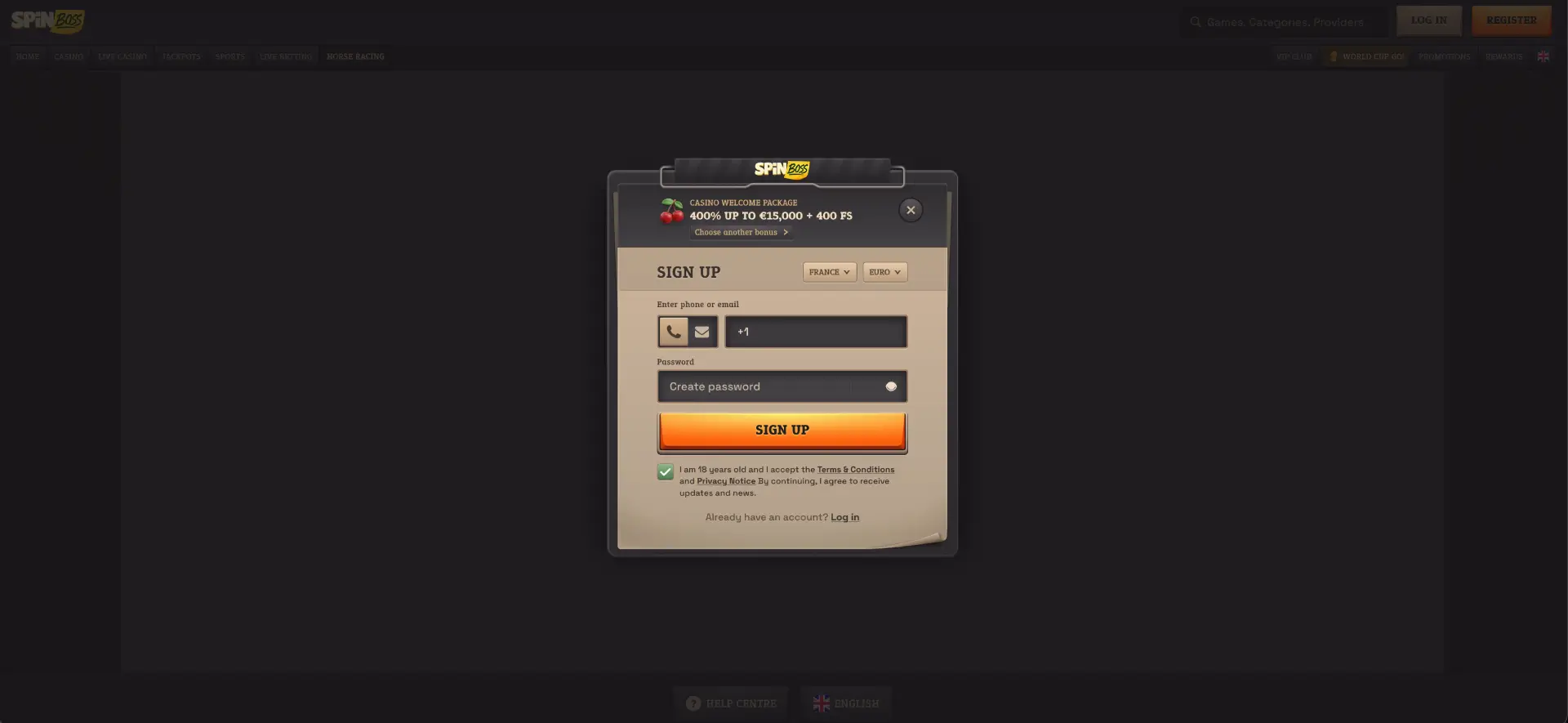
How to access Spinboss on mobile
Mobile access requires no preparation: five steps are enough, identical on iOS and Android.
- Open your phone's browser (Safari on iPhone, Chrome on Android).
- Go to the Spinboss site.
- Log in via LOG IN or create an account via REGISTER.
- Navigate the menu: Casino, Live Casino, Jackpots, Sports, Live Betting.
- The cashier, promotions and VIP Club are accessible from the same menu.
Add Spinboss to your home screen
The shortcut turns the site into a pseudo-app: a dedicated icon, a full-screen launch and no store to go through.
On iOS (Safari)
On iPhone and iPad, the process goes through Safari's share sheet - we did it in under thirty seconds.
- Open the Spinboss site in Safari on your iPhone or iPad.
- Tap the Share icon at the bottom of the screen (the square with an upward arrow).
- Scroll the share sheet and tap Add to Home Screen.
- Confirm the name - "Spinboss" or the label of your choice - then tap Add.
- The icon appears on the home screen and opens the platform directly.
On Android (Chrome)
On Android, Chrome offers the same function from its main menu.
- Open the Spinboss site in Chrome.
- Tap the three-dot menu at the top right.
- Select Add to Home screen.
- Confirm the shortcut name and confirm.
- Launch Spinboss from the icon like any app.
Features available on mobile
We compared the mobile version to desktop point by point during our session: nothing is missing.
- Full catalogue: slots, jackpots with live counters, Bonus Buys, Megaways and instant games.
- Live casino: the Gold Saloon tables, Speed Roulette, Mega Roulette 500x and game shows like Money Time, all streamed.
- Sports betting: full sportsbook with the 2026 World Cup section, live betting and a bet slip with booking code.
- CAD cashier: deposits by card, Interac, Skrill, Paysafecard or crypto, and withdrawals under the same limits as desktop.
- Promotions: the 400% welcome pack up to C$15,000 + 400 FS, reloads, cashbacks, World Cup GO! and missions.
- Account: VIP progression, the Rewards shop and 24/7 support chat.
Mobile performance
We timed the loads on an iPhone 14 (Safari) and a Samsung S23 (Chrome), on Canadian 4G. Here are the results recorded.
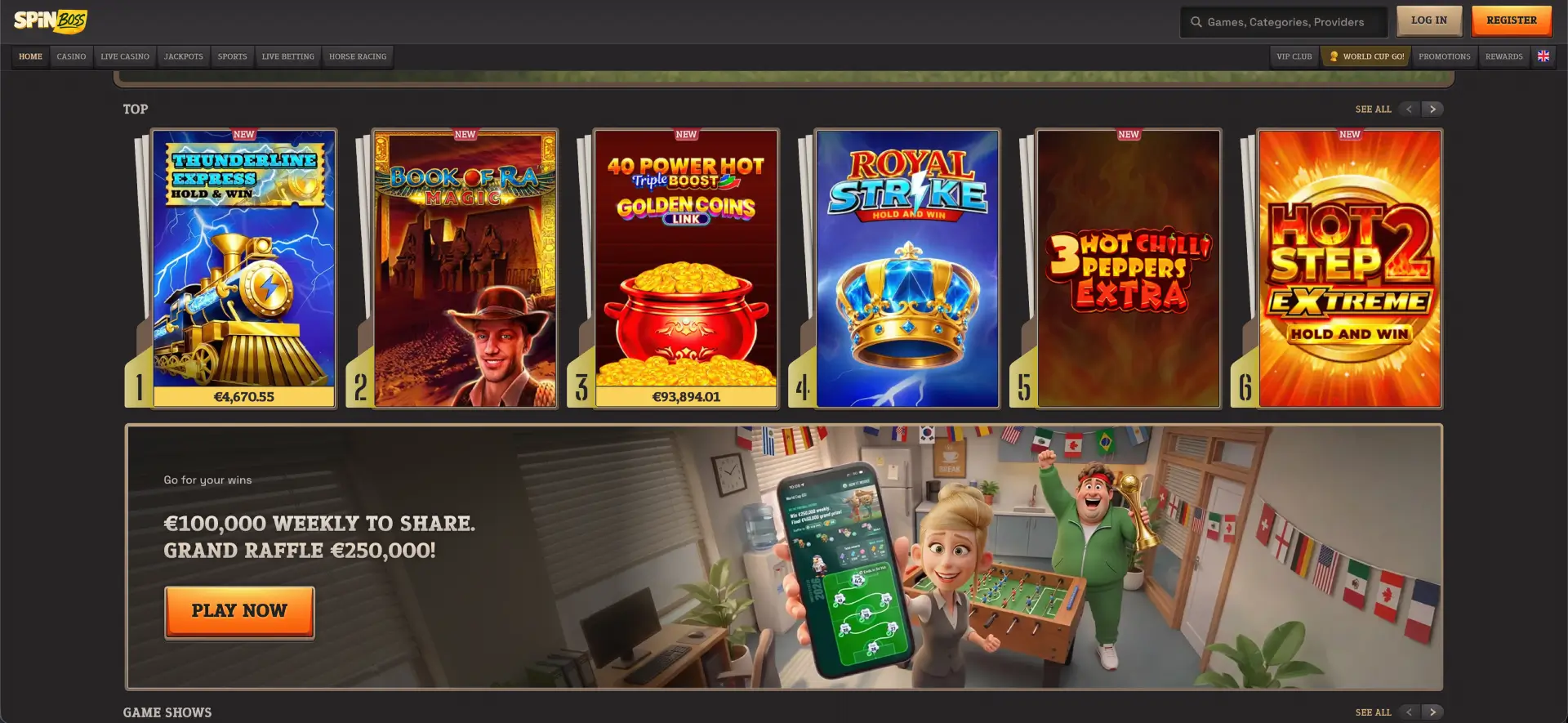
- Lobby load: the home page displayed in under two seconds on an iPhone 14 over 4G, thumbnails included before the third second.
- Slots: Royal Strike Hold and Win and Book of Ra Magic launched in under three seconds with stable animation.
- Live stability: a ten-minute session on Gold Saloon Roulette stayed smooth on a Samsung S23, with no stream drop.
- Cashier speed: the CAD deposit section opened instantly and a test transaction was processed within a few seconds.
- Sportsbook: the live betting odds refreshed continuously with no page reload.
Payments and withdrawals in Canadian dollars on mobile
The mobile cashier reproduces the exact desktop limits. A reminder of the main CAD methods for Canada.
| Method | Deposit (min–max) | Withdrawal (min–max) |
|---|---|---|
| Visa / Mastercard | C$10 – C$2,000 | C$10 – C$3,000 (Visa card withdrawal) |
| Bank transfer | C$10 – C$5,000 | C$10 – C$5,000 |
| Skrill | C$10 – C$5,000 | C$10 – C$5,000 |
| Bitcoin | C$30 – C$5,000 | C$60 – C$5,000 |
| USDT / Ethereum / other cryptos | C$10 – C$5,000 | C$20 – C$5,000 |
Reminder: Neteller, Interac and Paysafecard work for deposits only, on mobile as on desktop.
Security of the mobile version
The browser version applies the same SSL encryption as the desktop site. No data is stored in a local app: the session depends on the browser, which limits exposure if the phone is lost. KYC verification before withdrawal is also done from mobile, with documents photographed and sent directly.
Usage tips for Canadian players
A few simple settings clearly improve day-to-day use of the mobile version.
- Create the home-screen shortcut on your first visit - access to the daily World Cup GO! missions becomes immediate.
- On high-limit live tables, favour Wi-Fi or a stable 4G to avoid any stream lag.
- Enable the built-in password managers of iOS or Android for a quick and secure login.
- Landscape mode improves the readability of the sportsbook's odds tables.
FAQ - Spinboss app
The most frequent questions about mobile access to the platform.
Is there a Spinboss app to download?
No - no native app exists for iOS or Android. The mobile browser version replaces the app with the full catalogue.
How do I install Spinboss on my iPhone?
Open the site in Safari, tap Share, then "Add to Home Screen". The created icon launches the platform in full screen.
Does the Spinboss casino mobile version have fewer games?
No - the catalogue is identical to desktop: slots, jackpots, live casino, game shows, sports betting and horse racing.
Can I deposit and withdraw from my phone?
Yes - the full CAD cashier is accessible on mobile, with the same limits: deposits from C$10, withdrawals up to C$5,000 per transaction.
Are bonuses accessible on mobile?
Yes - the C$15,000 welcome pack, reloads, cashbacks, World Cup GO! and the Rewards shop all work fully in the mobile browser.
Does the live casino work on 4G?
Yes - during our tests, the Gold Saloon streams stayed stable on Canadian 4G. A regular connection is enough for standard tables.